
Why Your WordPress Site Feels Slow (and How to Fix It)
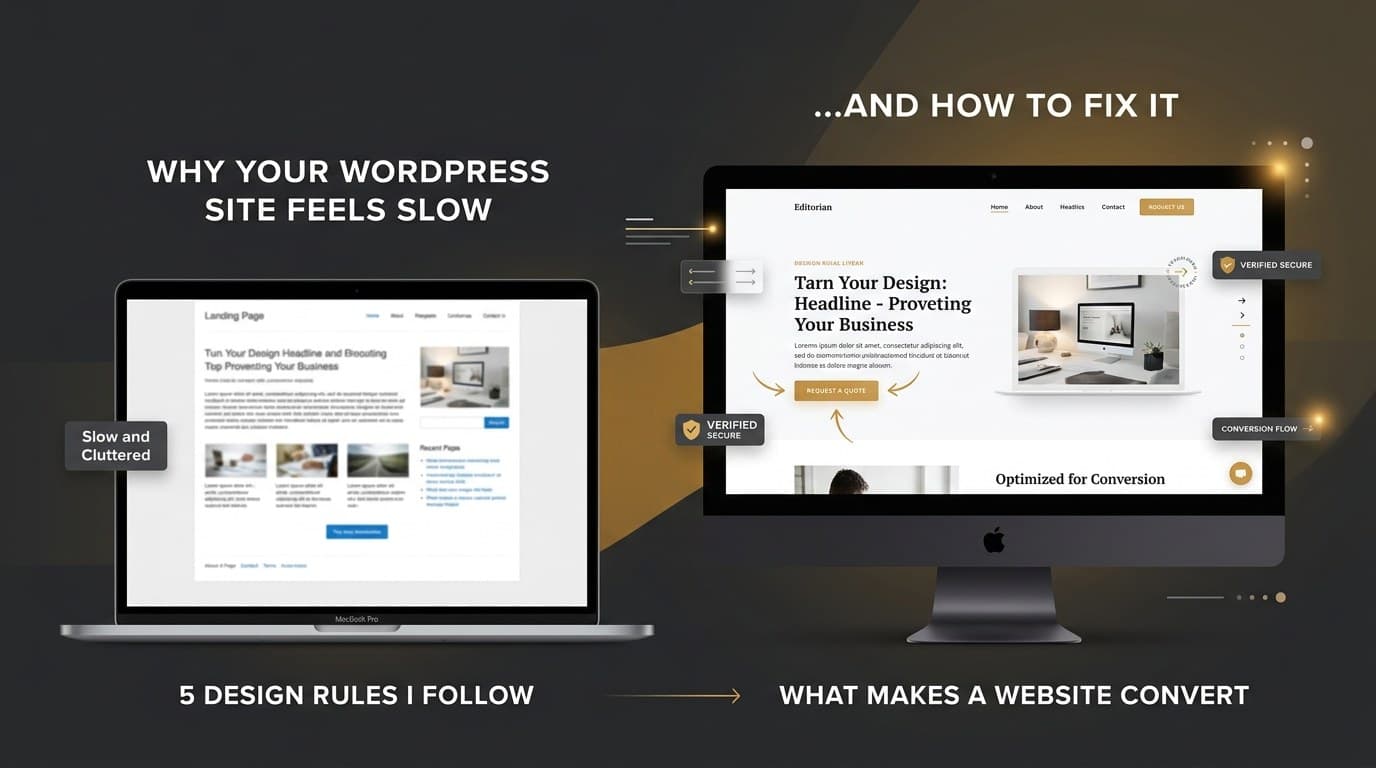
Speed is the first thing a visitor feels and the last thing most owners check. After building sites for different industries, the same causes keep showing up.
1. Oversized images
A 4 MB hero image is the most common culprit. Export at the size it is displayed, use WebP, and lazy-load everything below the fold.
2. Too many plugins
Every plugin adds requests and code. Audit yearly, delete what you do not use, and replace heavy plugins with lighter alternatives.
3. Cheap hosting
A good design cannot hide a slow server. Look for hosting with server-level caching and PHP 8+.
4. No caching layer
Page caching alone can cut load time in half. Pair it with a CDN for global visitors.
5. Heavy page builders used carelessly
Elementor is fine when sections are built with restraint. Avoid deep nesting and unnecessary animations.
Quick win: run your homepage through PageSpeed Insights, fix the top three opportunities, and re-test.
Need a website that actually works for your business?
Let's talk